 FlashDrive Pro
Features
Basic file sharing is free. Unlock cloud sharing, nearby transfer, and more with Pro.
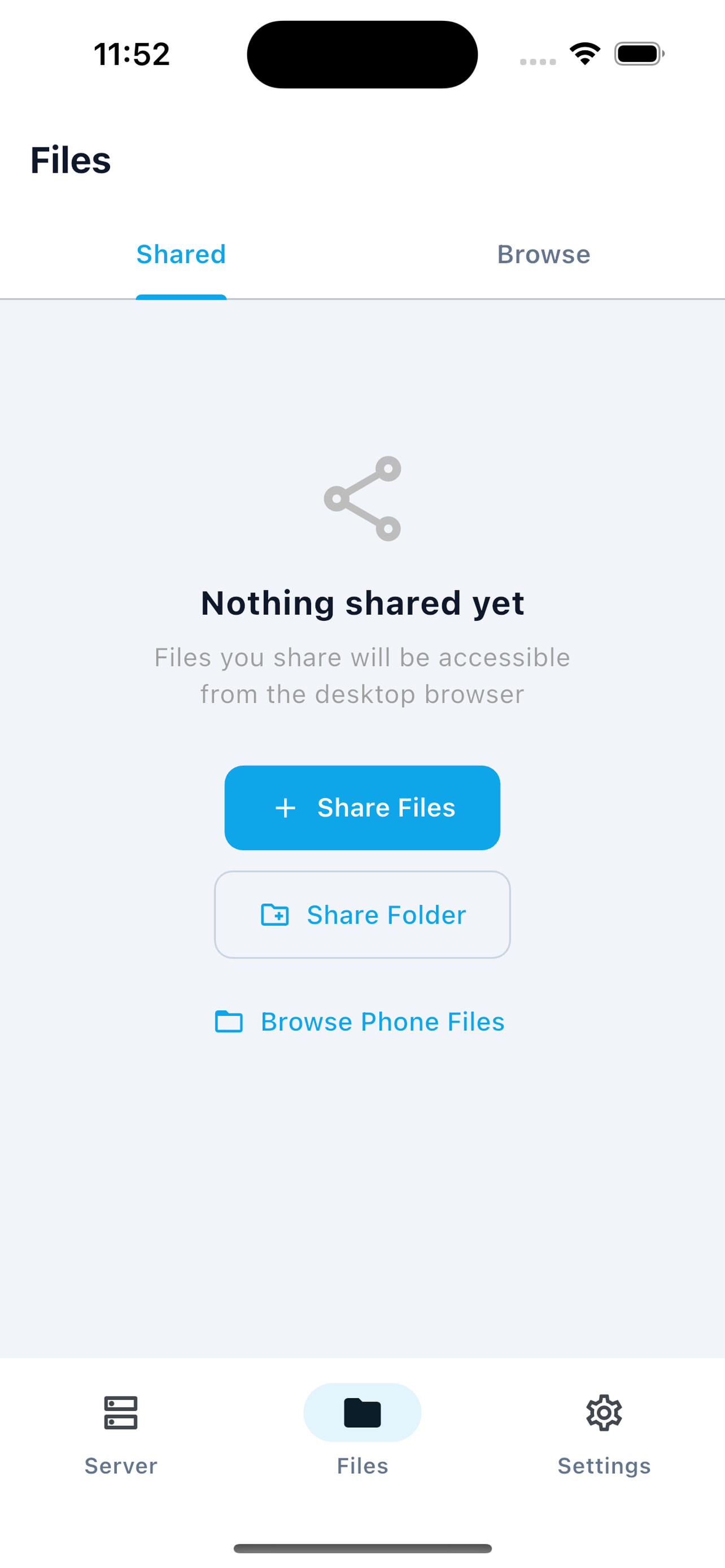
Browse, Upload & Download From Any Browser
Your phone becomes a wireless flash drive. Access your entire photo library, documents, and files from any laptop or desktop browser on the same Wi-Fi — no app installation required on the other end.
- Drag-and-drop uploads from desktop to phone
- Folder navigation with breadcrumbs
- ZIP download for entire folders
- Search and sort by name, date, or size
- Create folders remotely from browser
Stream Your Phone Camera in Real-Time
Use your phone as a wireless webcam or security camera. The live feed appears directly in the browser — no plugins, no drivers, no accounts. Just point and stream.
- Real-time video feed to any browser
- View in any browser, no app needed on desktop
- No app needed on desktop
- Low latency streaming over local network

Collaborative Text Synced in Real-Time
A simple text editor shared between your phone and every browser connected to it. Type on your phone, see it instantly on your laptop. Perfect for jotting URLs, commands, or quick notes between devices.
- Real-time sync across all connected devices
- Edit from phone or browser simultaneously
- No account needed
- Works offline on LAN

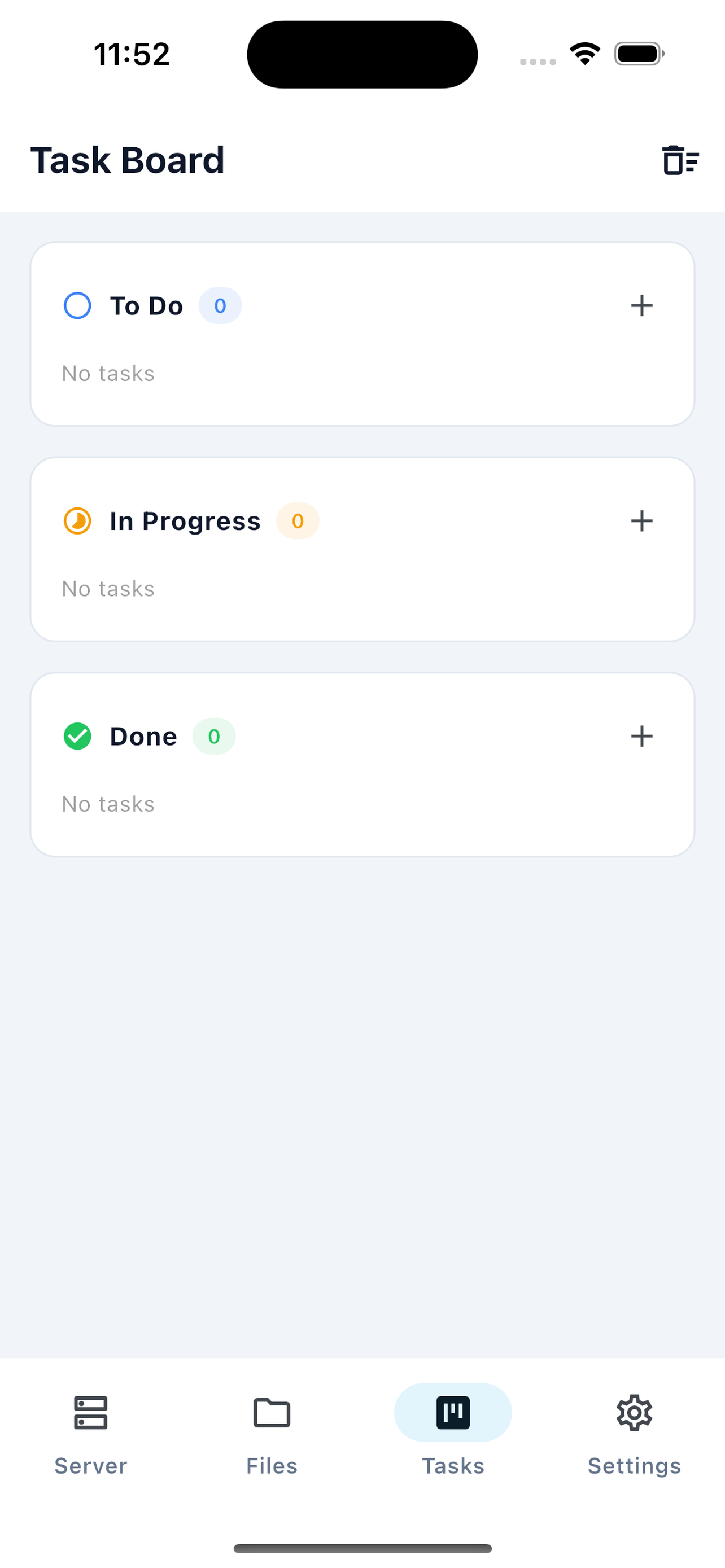
Visual Task Management Across Devices
A fully interactive kanban board accessible from both your phone and any browser. Organize tasks into columns, drag cards between stages, and keep your workflow visible on any screen.
- Drag-and-drop cards between columns
- Create, edit, and delete tasks
- Shared across all connected devices
- Visual workflow with customizable columns
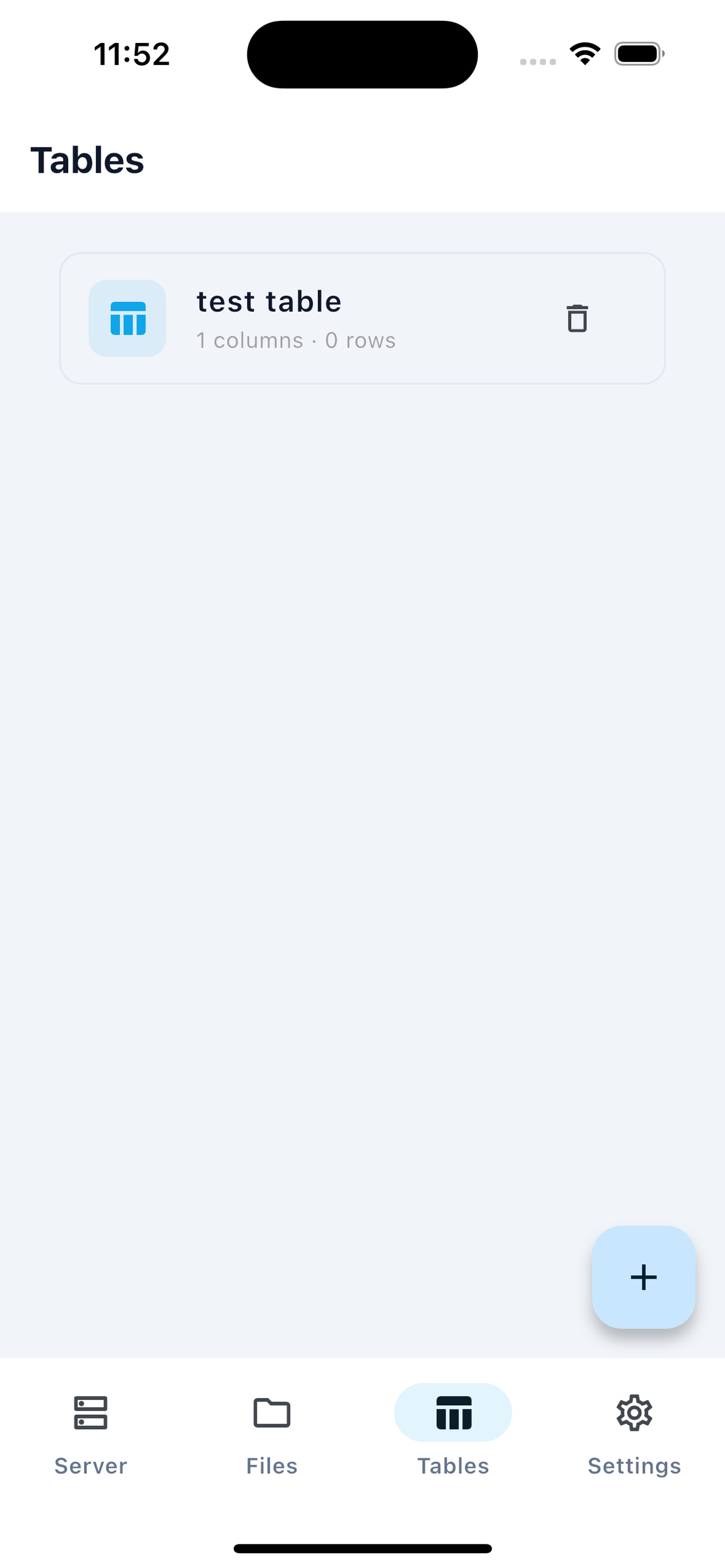
Spreadsheet Data Shared in Real-Time
A lightweight spreadsheet shared across your local network. Add rows, edit cells, and view changes instantly on every connected device. Great for lists, inventories, and quick data entry without opening a full spreadsheet app.
- Create rows and columns on the fly
- Edit from any device on the network
- Real-time updates across all browsers
- Export data for use elsewhere
Copy on Phone, Paste on Desktop Instantly
Stop emailing yourself links. Clipboard Sync lets you copy text on your phone and paste it into your desktop browser within a second — all over your local network with zero cloud involvement.
- Instant sync between phone and browser
- Works with any text content
- No internet required
- Secure local transfer

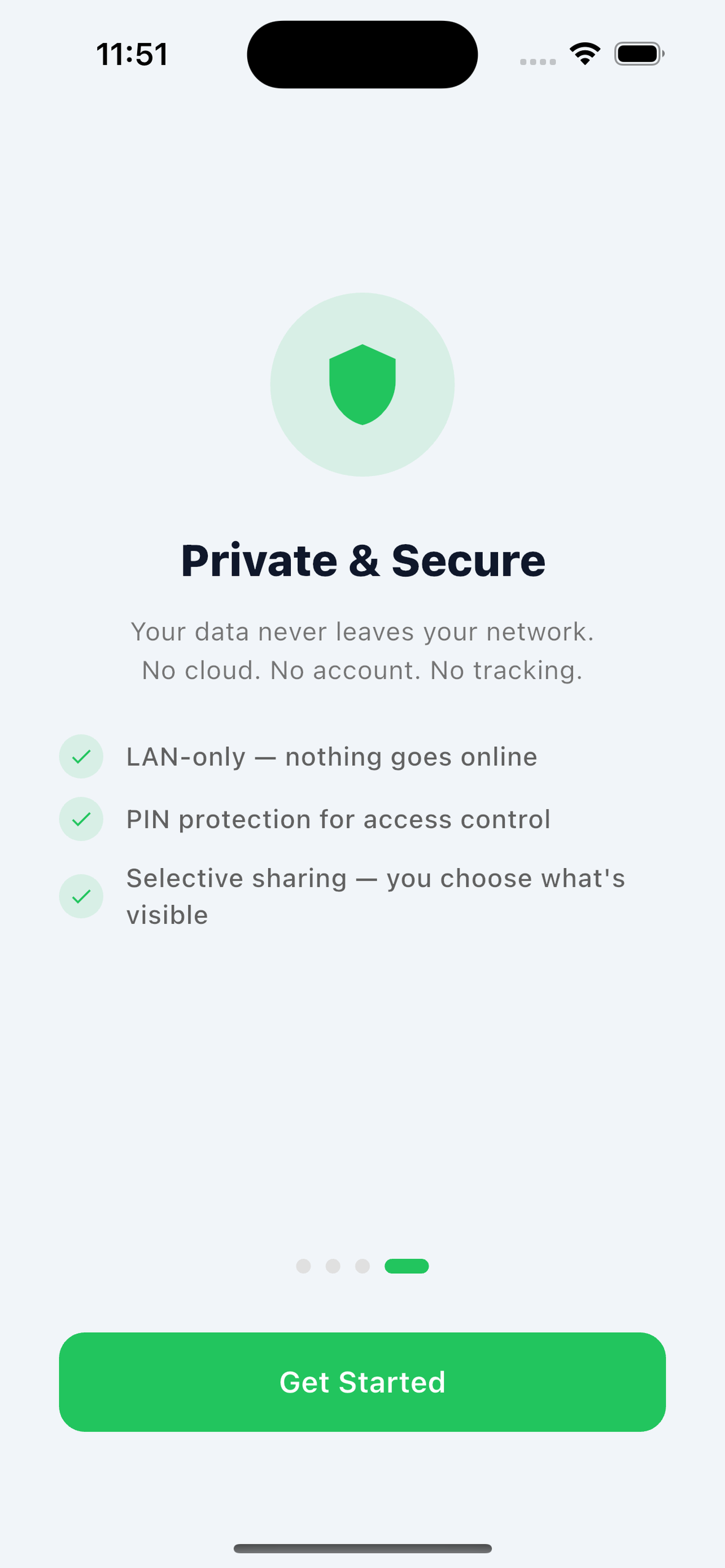
Keep Your Data Secure on Shared Networks
Set a PIN before anyone can access FlashDrive Pro from a browser. Even on a shared home or office network, only people with the PIN can connect to your phone's server.
- 4–6 digit PIN support
- Required before any browser access
- Configurable per session
- Easy to set up in seconds
Connect Instantly — No Typing Required
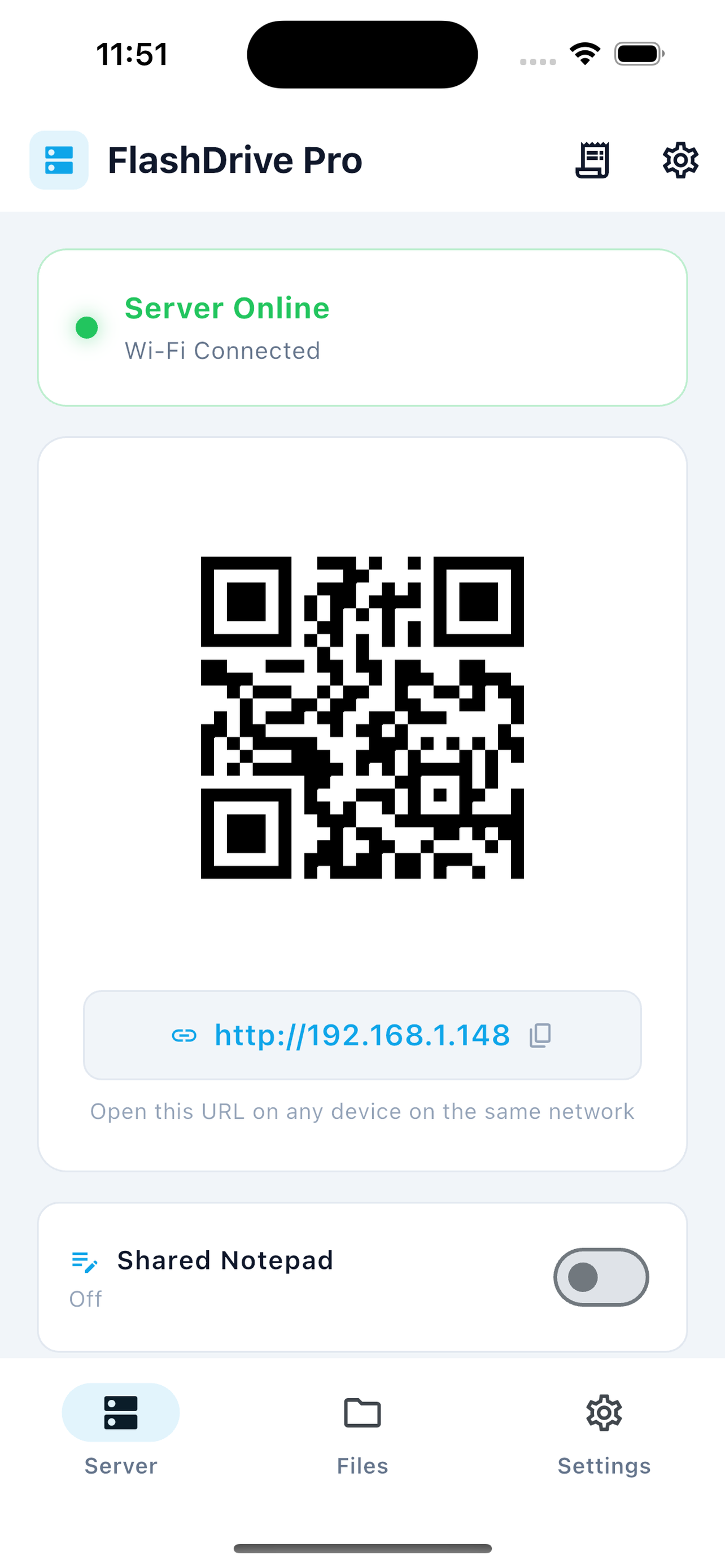
FlashDrive Pro displays a QR code the moment you start a session. Scan it with your laptop camera or phone and your browser opens automatically — no IP addresses to memorize, no URLs to type.
- Scan to connect from any camera app
- No typing long IP addresses or URLs
- Works with any QR scanner or browser
- One-step setup every time
Works Anywhere — Even Without Wi-Fi
No router? No problem. Enable your phone's personal hotspot and connect your laptop directly. FlashDrive Pro works over the hotspot connection exactly the same as over Wi-Fi — no internet needed.
- Use phone's personal hotspot as the network
- Connect laptop directly to phone
- No router or external Wi-Fi required
- Works on planes, hotels, anywhere

Share Files With Anyone, Anywhere
Generate a shareable link for any file and send it to anyone — even people not on your network. Files are temporarily uploaded and auto-expire after 7 days. No accounts needed for recipients.
- Share via link — no app needed on the other end
- Files auto-expire after 7 days
- Up to 5GB per file
- Branded download page
- Manage all your shares from the app
Direct Device-to-Device File Sharing
Discover nearby devices running FlashDrive Pro and transfer files directly — no server setup needed. Works like AirDrop but cross-platform.
- Automatic device discovery on local network
- Direct device-to-device transfer
- No server or QR code needed
- Cross-platform (iOS to Android and vice versa)
Share via AirDrop, WhatsApp, Email & More
Use your phone's native sharing to send files through AirDrop, WhatsApp, Email, or any installed app. Generate QR codes for instant download links.
- AirDrop for nearby Apple devices
- Share to WhatsApp, Telegram, Email
- Generate QR codes for download links
- Works with any app that accepts files
Works on Every Device You Already Own
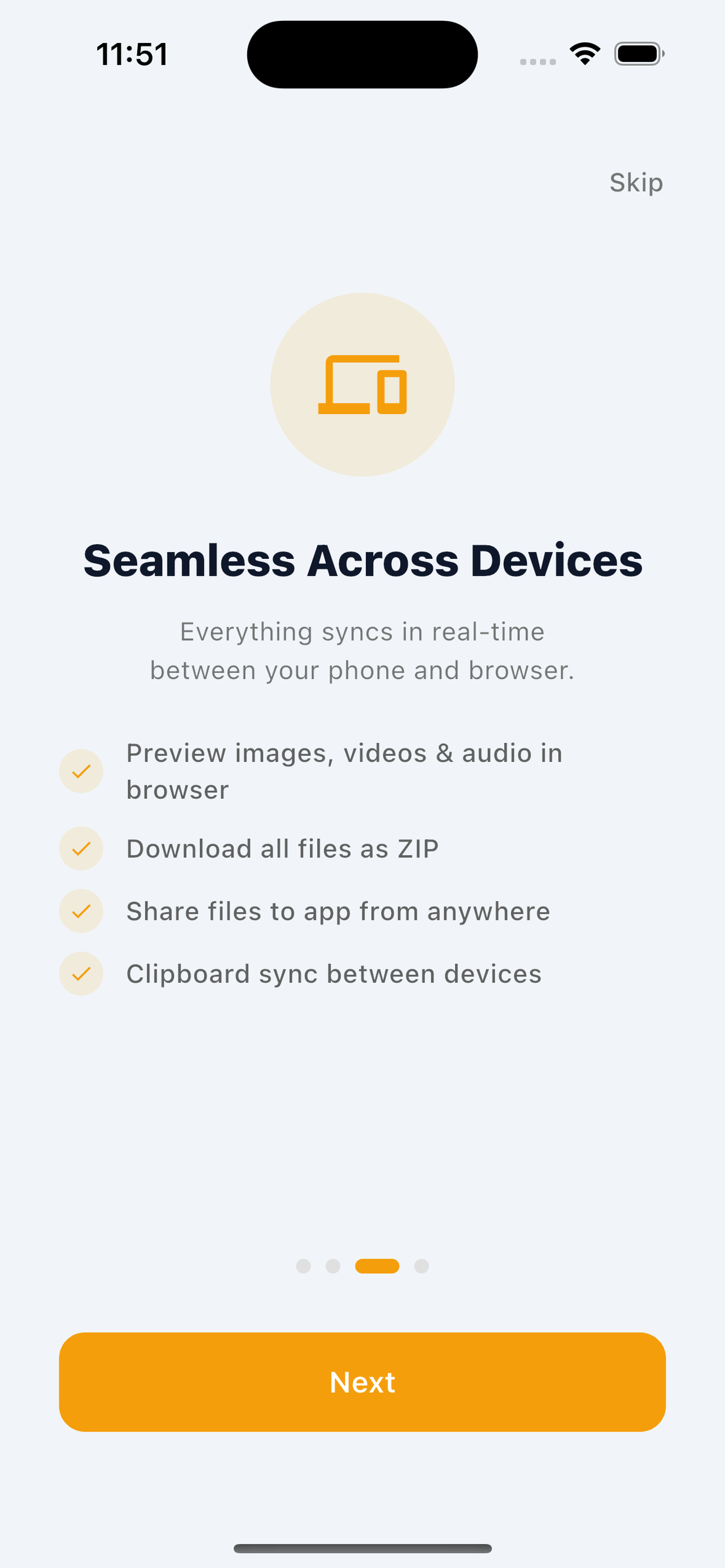
FlashDrive Pro runs on iOS and Android, and the browser interface works on every major desktop operating system. There is nothing to install on the desktop side — just open a browser and go.
- iOS and Android app
- Any desktop browser (Chrome, Safari, Firefox, Edge)
- Windows, Mac, Linux, and ChromeOS
- No software to install on desktop
Ready to Turn Your Phone Into a Server?
Free basic file sharing. Unlock everything with Pro.
Free to download. Pro from $4.99/mo.