
How It Works
From install to file sharing in under 30 seconds. No accounts, no cloud, no hassle.
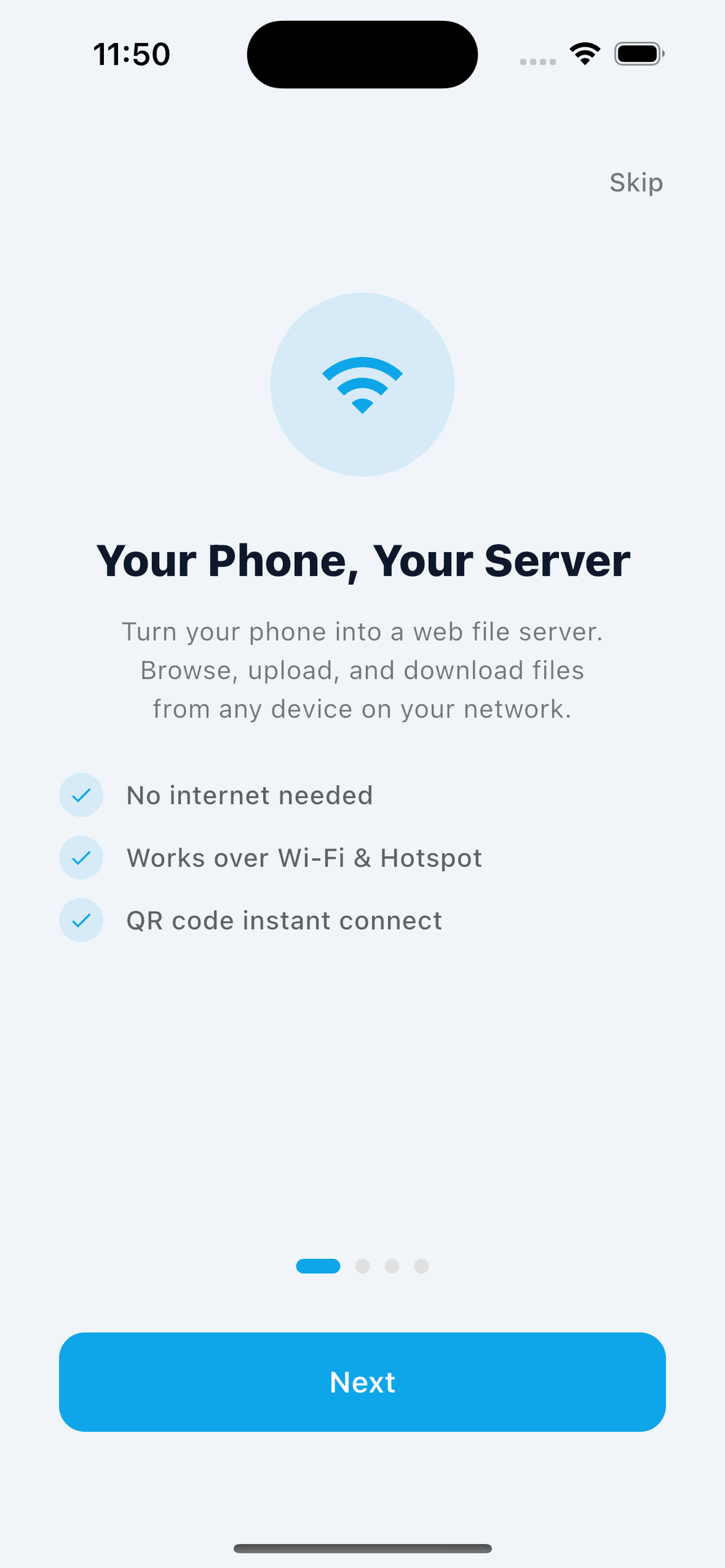
Install & Open
Download from App Store or Google Play. Open the app — no signup, no account, no cloud setup. Just open and go.
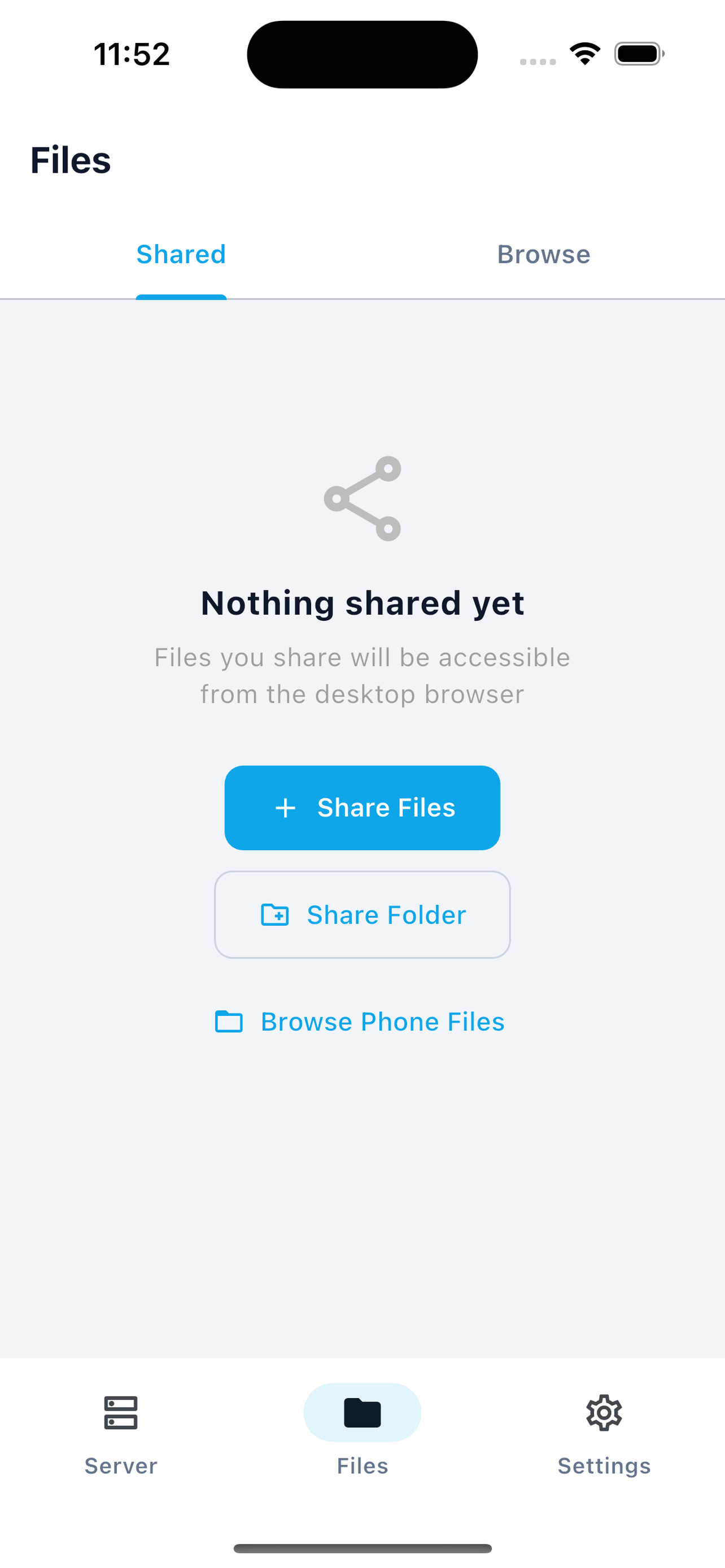
Share Your Files
Go to the Files tab and tap + to add files or folders. Only what you explicitly share is visible to others.
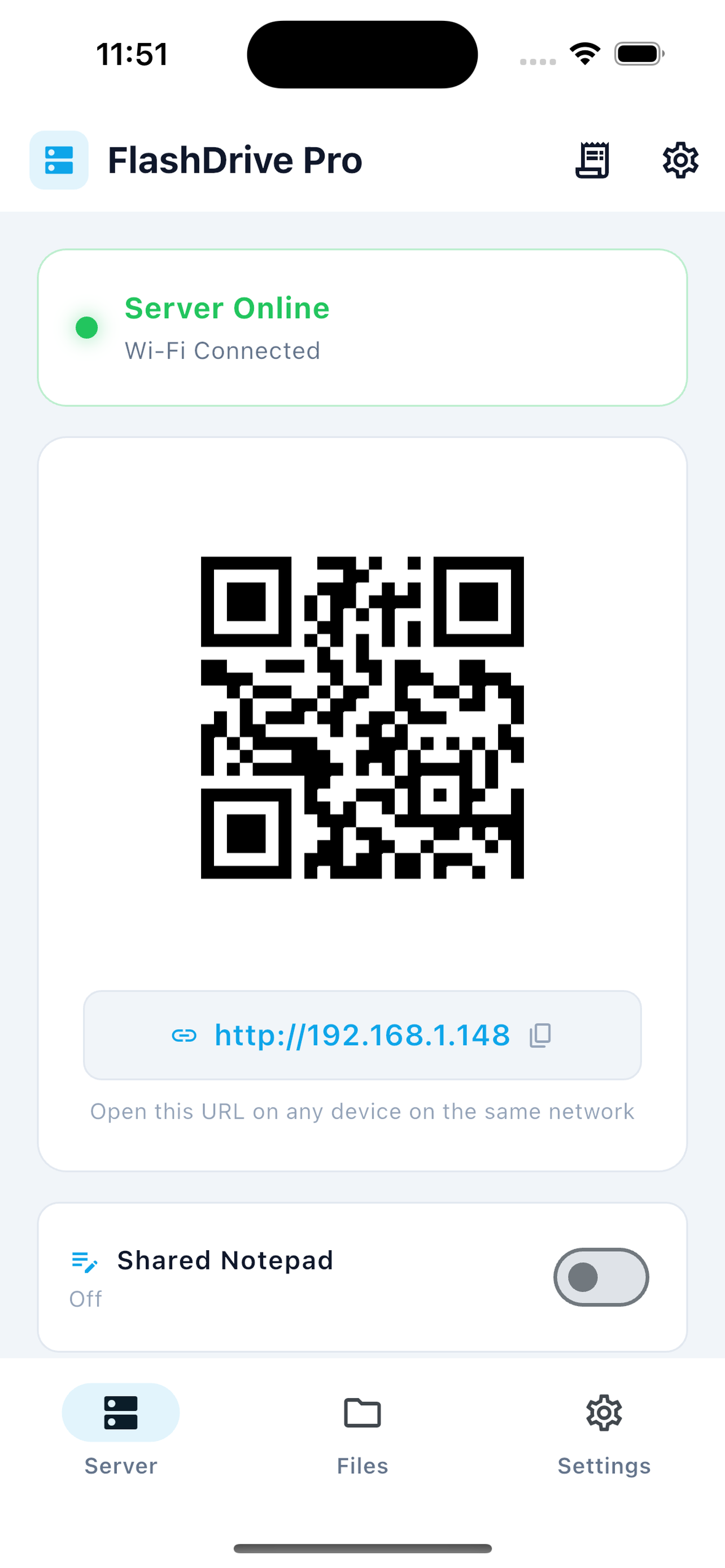
Connect From Browser
Your phone displays a URL and QR code. Open the URL on any computer on the same Wi-Fi network — or scan the QR code.
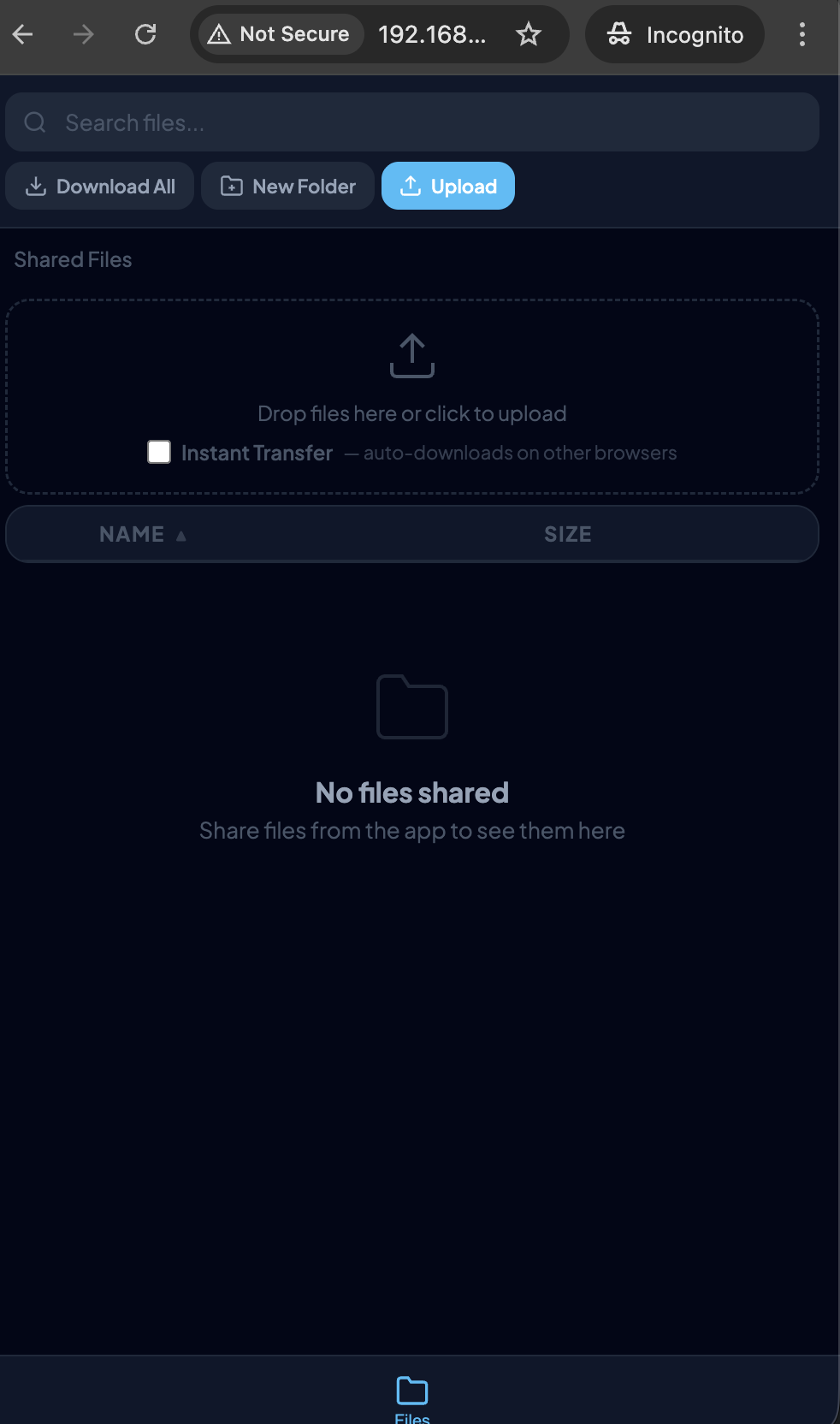
Browse & Collaborate
Upload, download, stream camera, edit notes, manage tasks — all from your desktop browser. Real-time, no lag.
Works Everywhere
Any Browser
Chrome, Safari, Firefox, Edge — any modern browser works
Any OS
Windows, Mac, Linux, ChromeOS — if it has a browser, it works
No Wi-Fi? No Problem
Use your phone's Personal Hotspot — works without any Wi-Fi network
Ready to Get Started?
Free to download. Upgrade to Pro for all features.